Taipei City ATIS Web Operation Instruction
1.
Home
Page
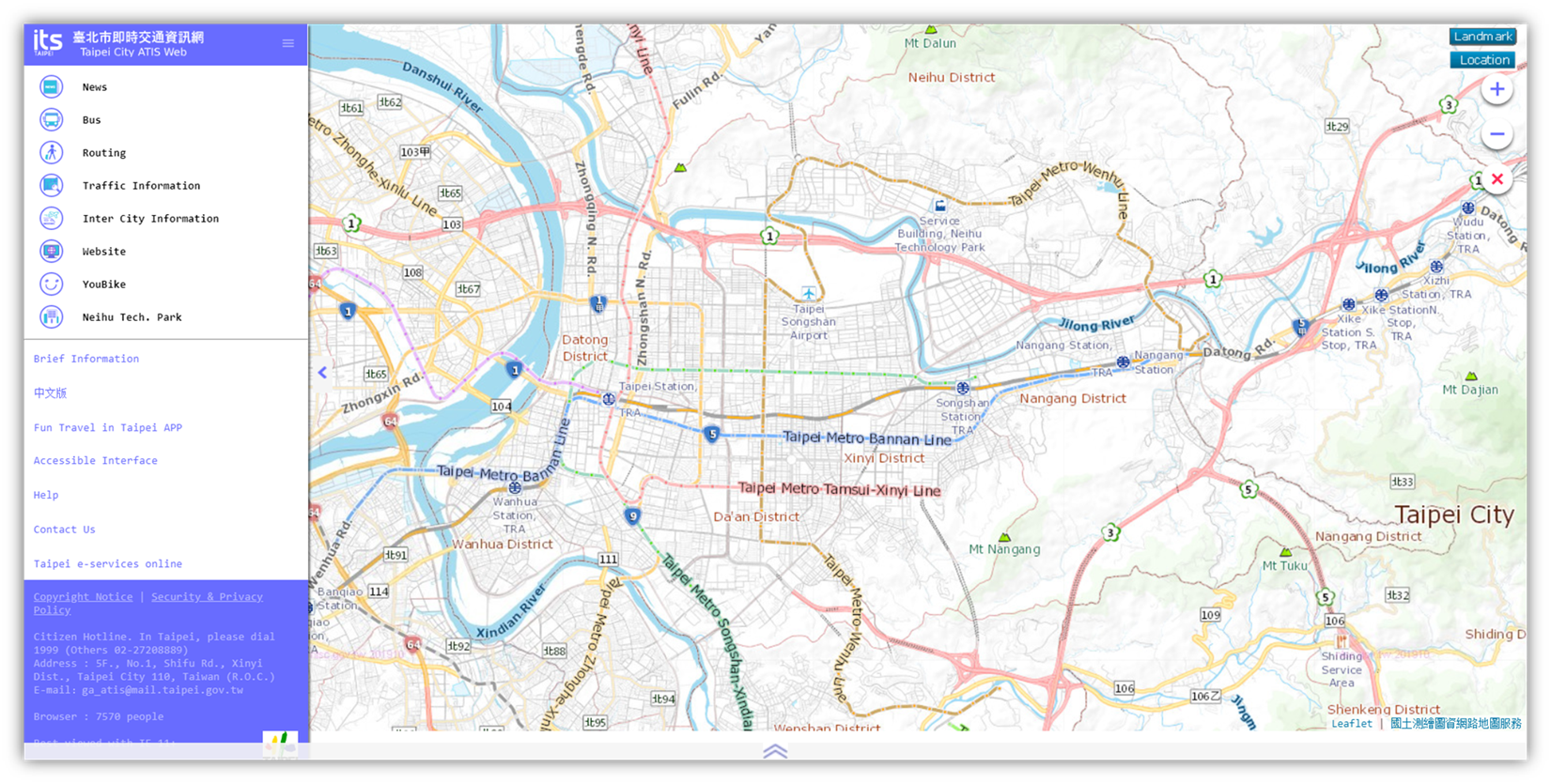
The menu is on the left side of the window,
where the upper section is the major menu and the bottom section is the
secondary menu.
l
The Major Menu provides
functions: News, Bus, Routing, Traffic Information, Inter City Information,
Website, YouBike, and Neihu Tech. Park.
l
The Secondary Menu provides
functions: Brief Information, Chinese Edition(中文版),
Fun Travel In Taipei App, Accessible Interface, Help, Contact Us, and Taipei
e-services online.
The map operation menu is located at the top
right corner, which provides the functions of the map layers, zoom in and out,
clear map layers and markers display.
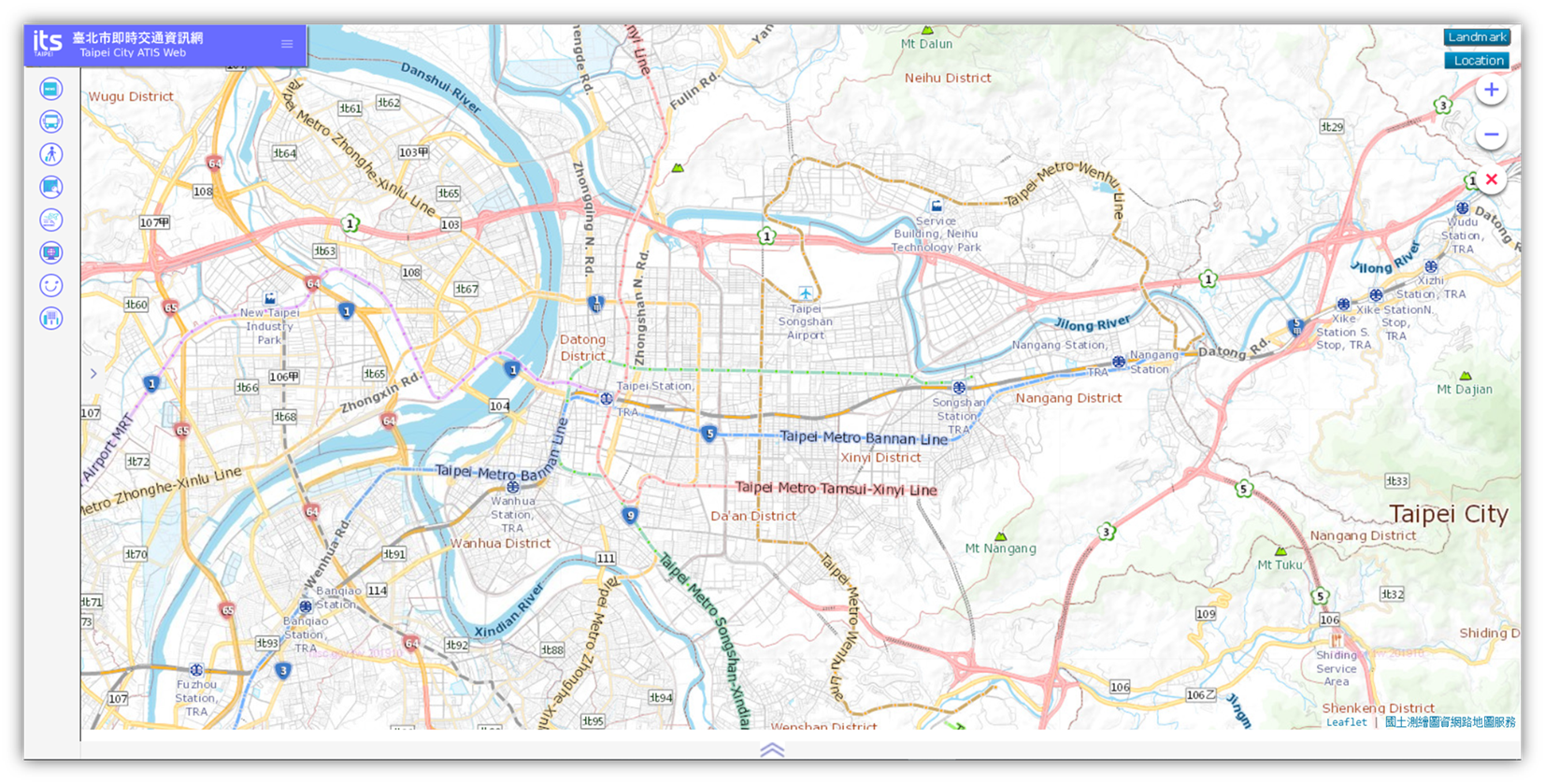
Click the reclining button on the edge of menu,
and the menu will be closed for the full display of the map.
2. News
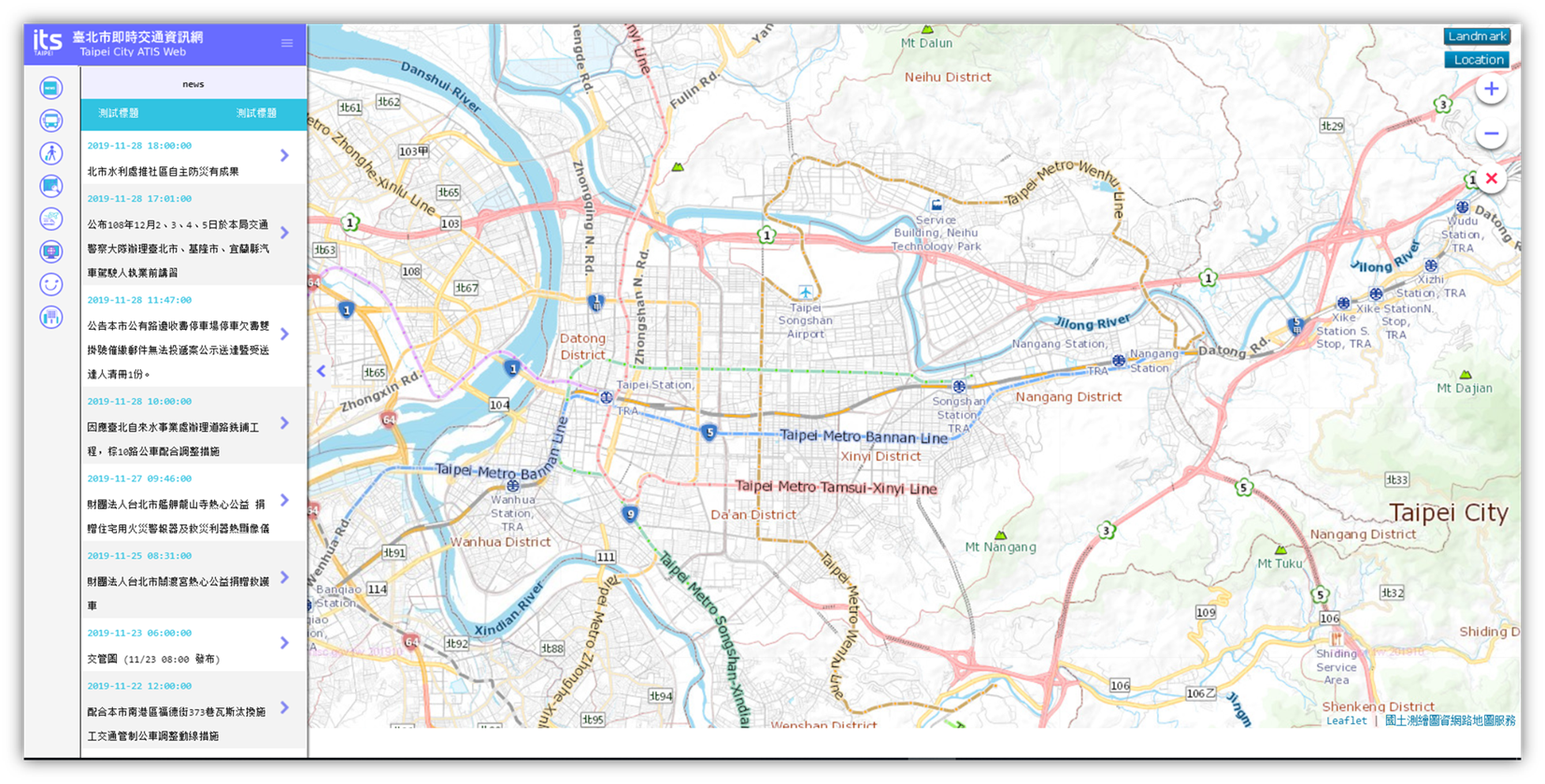
News provides
the latest traffic news, and the marquee and the announcement notification
messages is located on the top section.
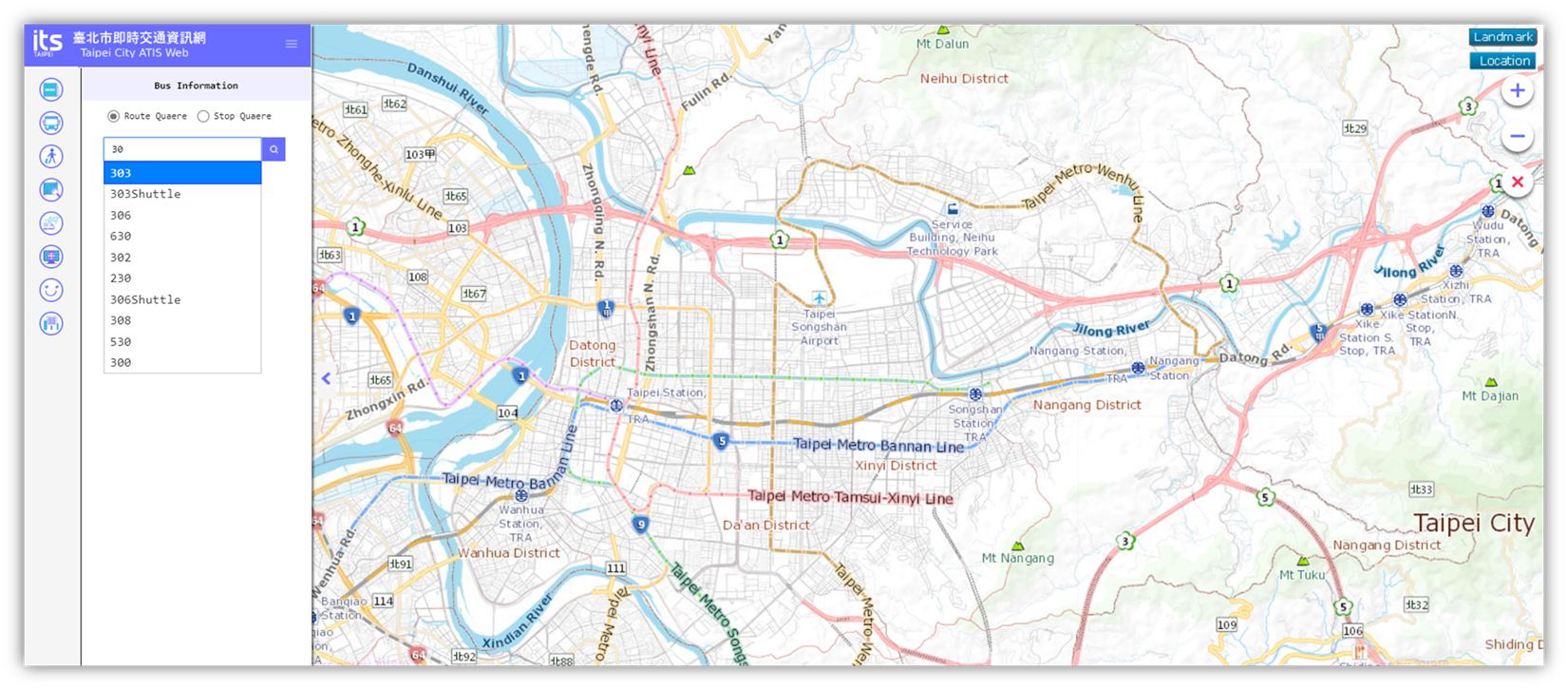
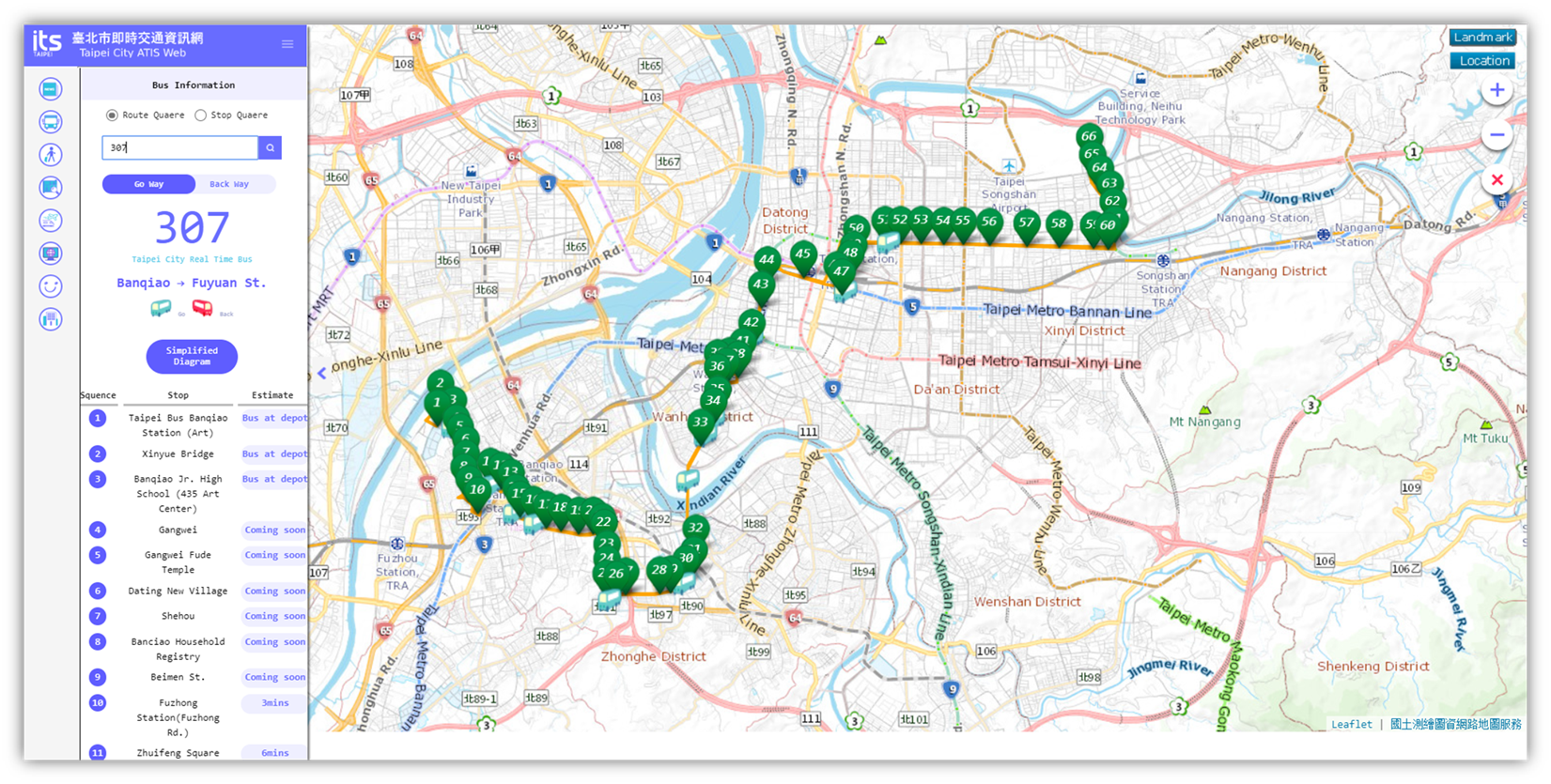
3. Bus
Bus provides
the search of the dynamic bus information by entering the bus route keywords.
4. Routing
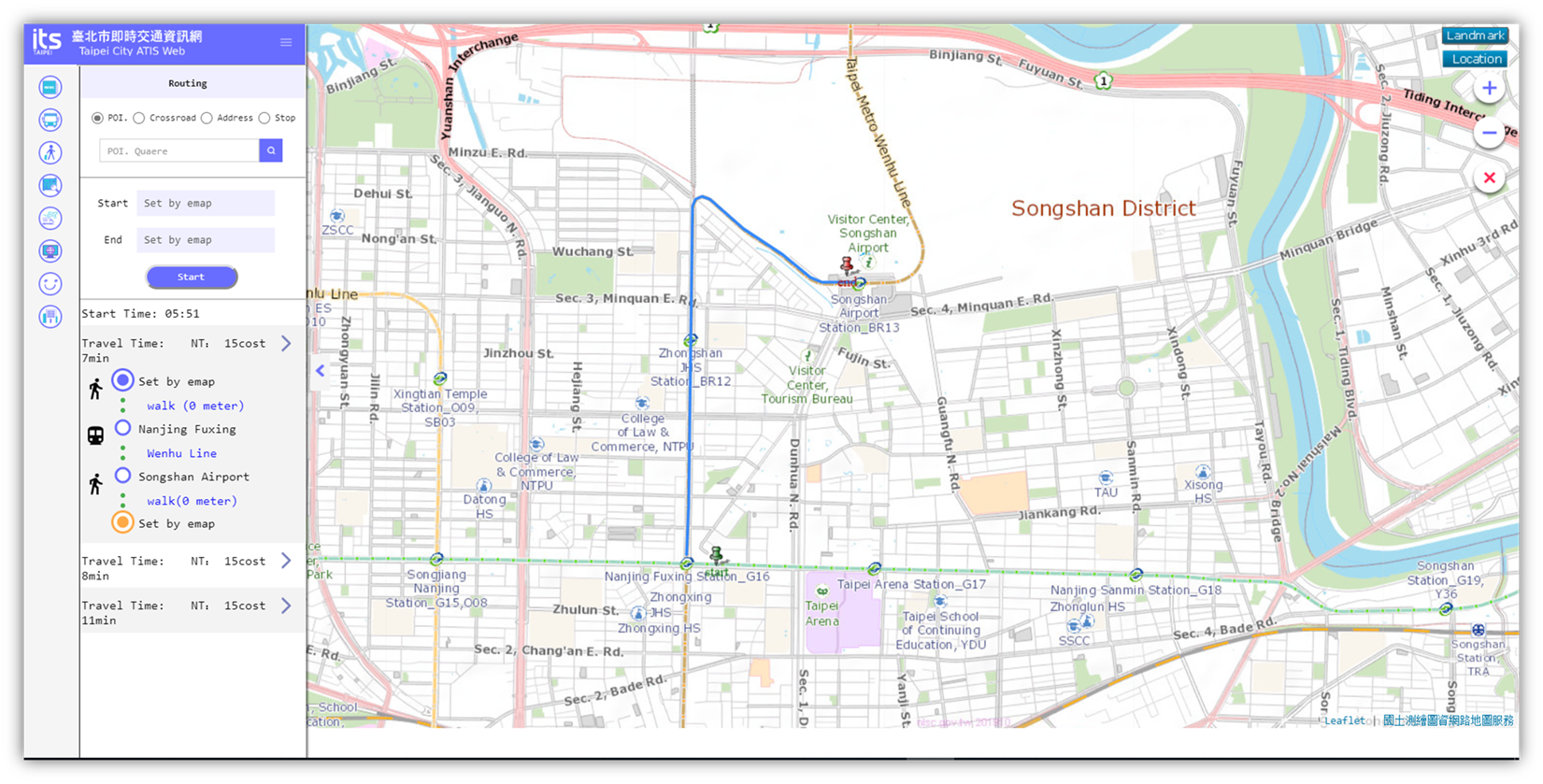
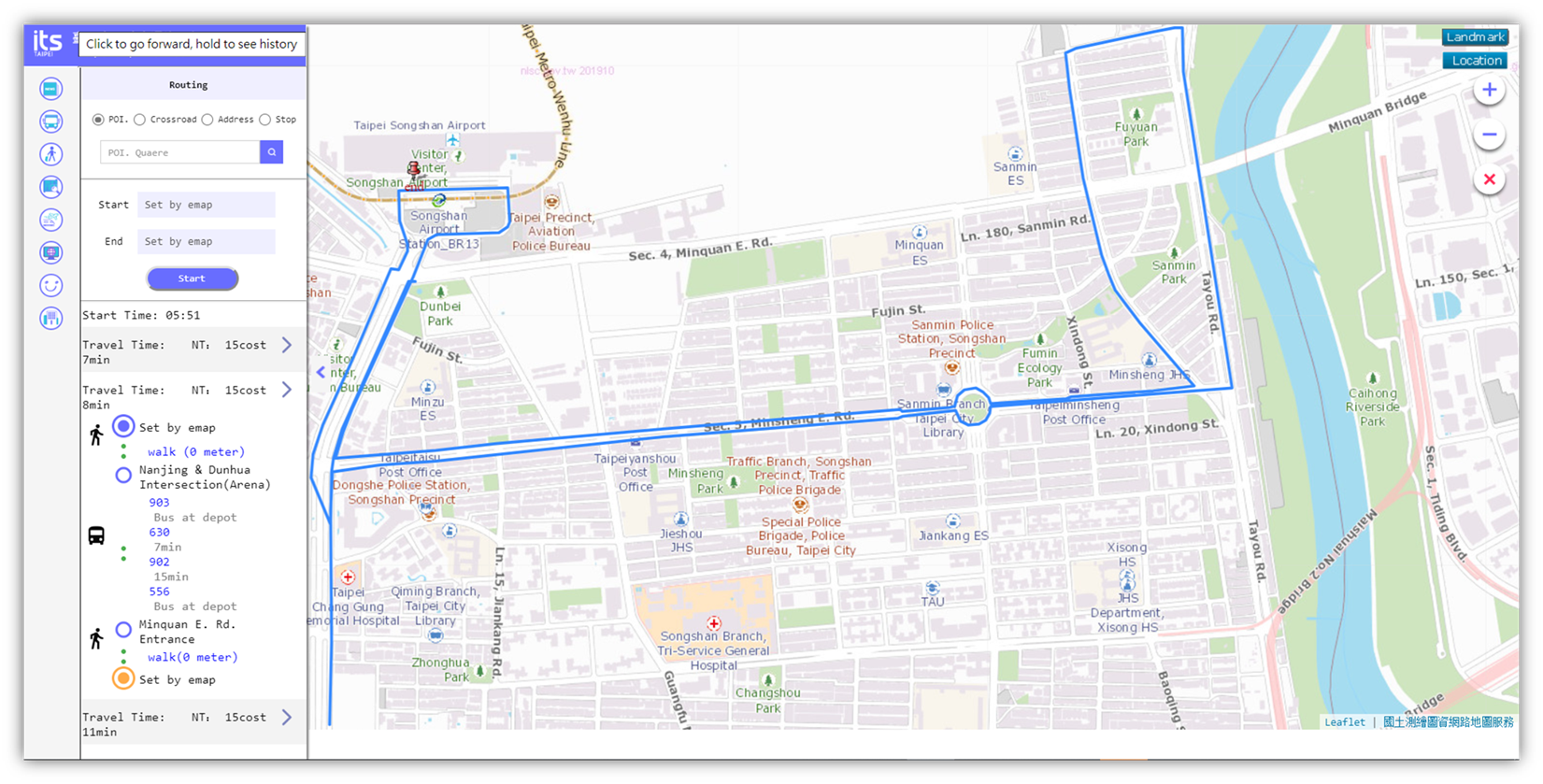
Routing provides
the search of the possible options for your trip planning by entering the start
and end location.
5. Traffic
Information
Traffic
Information provides
the function to access the information of Travel Time, Road Speed, Park, CCTV,
CMS, Road Event, Road Construction, Accident Intersection, and Traffic Control.
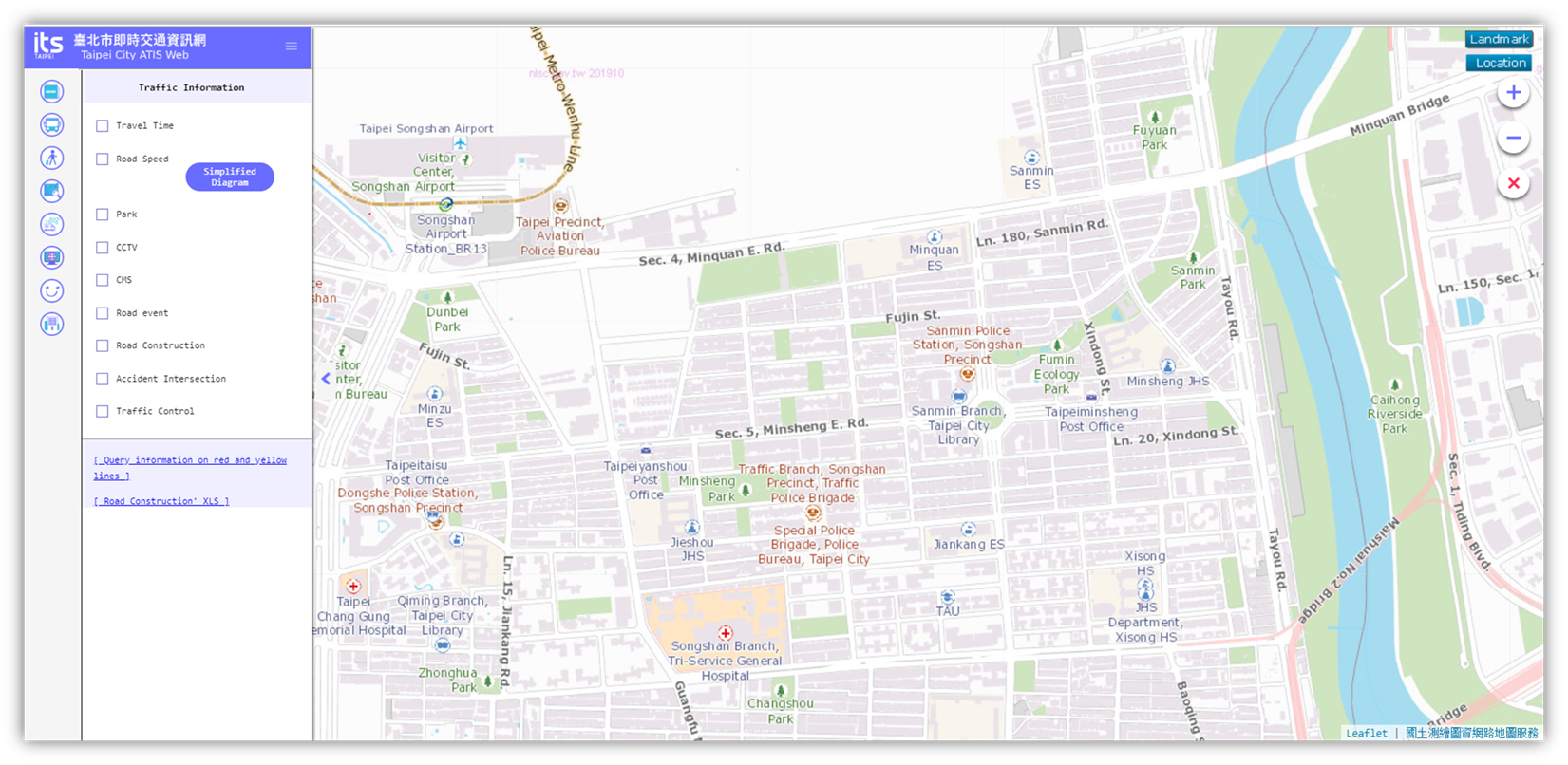
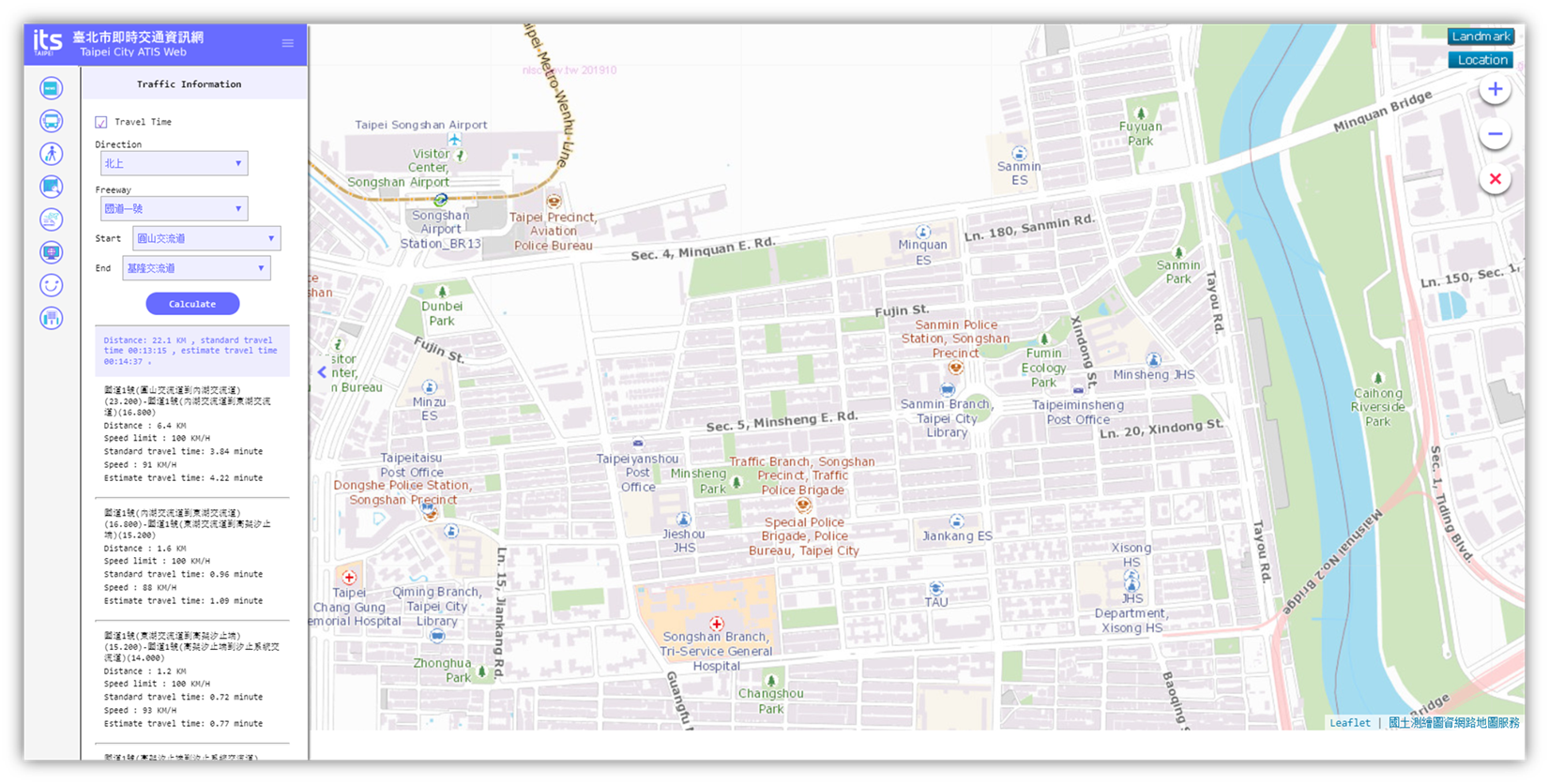
Travel
Time provides
the search for the freeway traveling time between the specified Start and End exit.
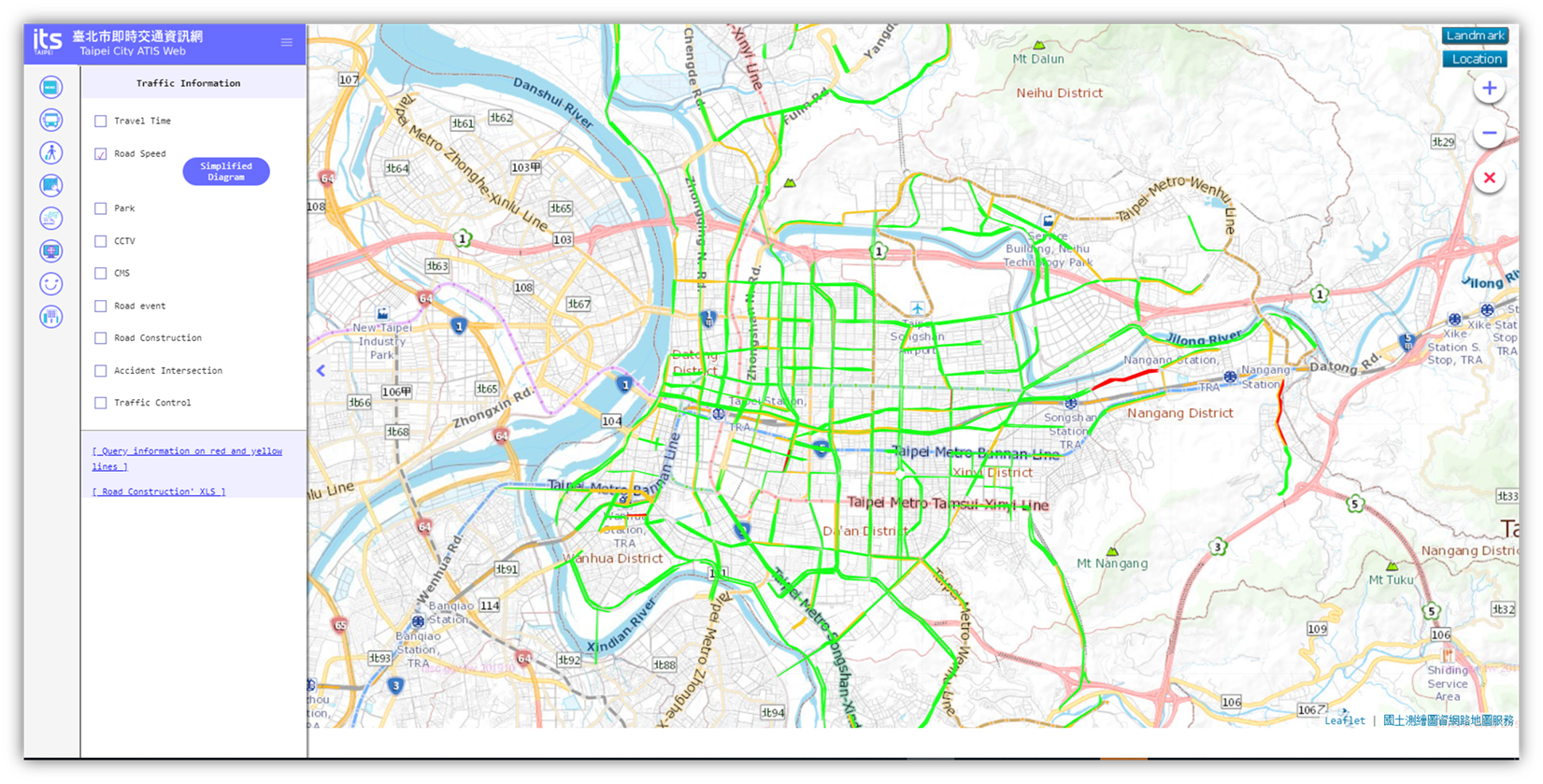
Road
Speed provides
map based search for the traveling speed information, which the red color
stands for traffic congestion, yellow for busy traffic, and green for smooth
traffic.
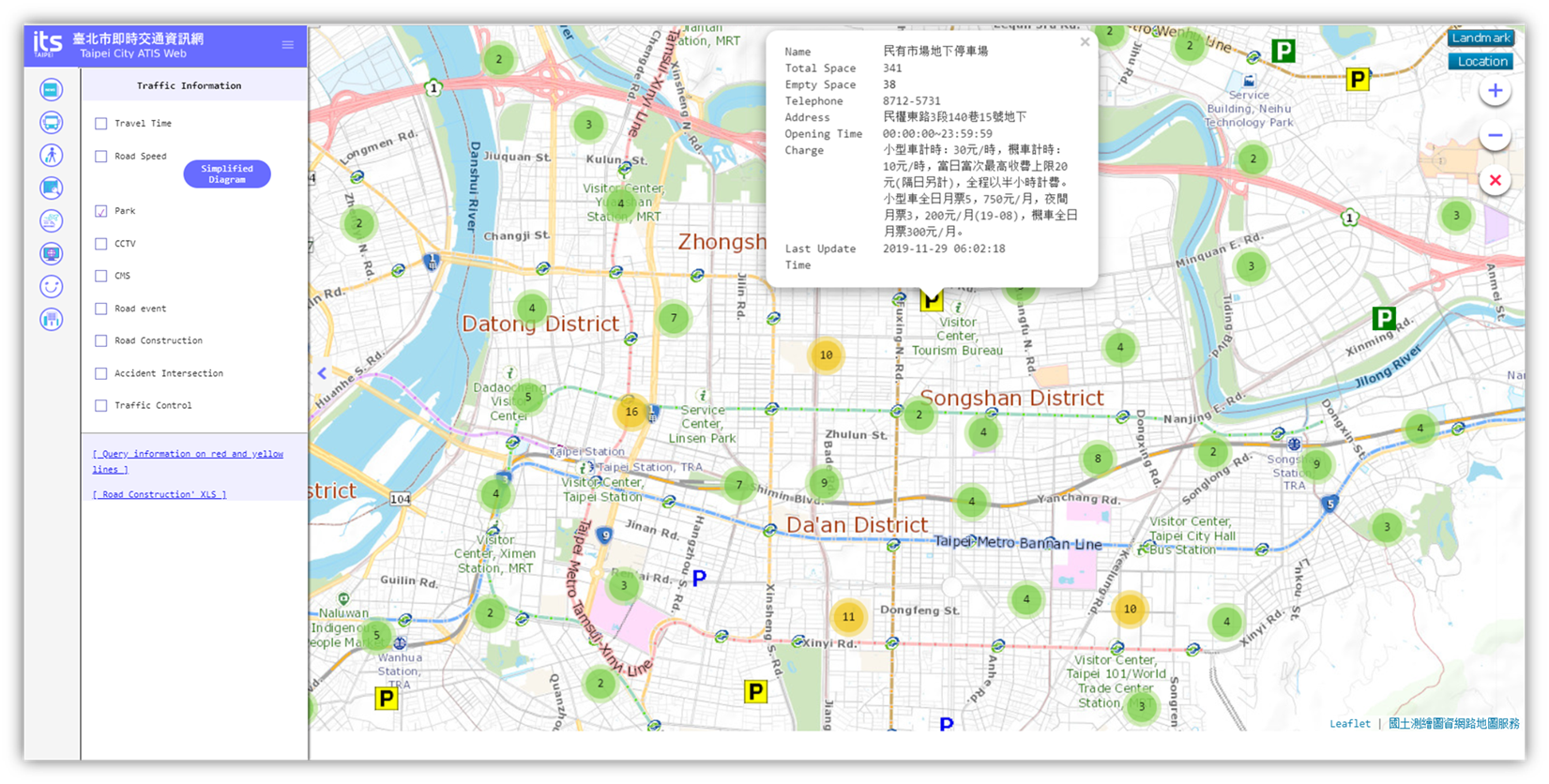
Park provides
map based searching for parking lots information, where the Green parking
marker stands for the parking lot with available parking space, yellow for
almost full, and red for no parking
space already. The detailed information will be displayed when clicking on the
parking marker from the map.
CCTV provides
the map based search for the real-time streaming video of the road traffic,
which will be displayed after clicking on the CCTV marker from the map.
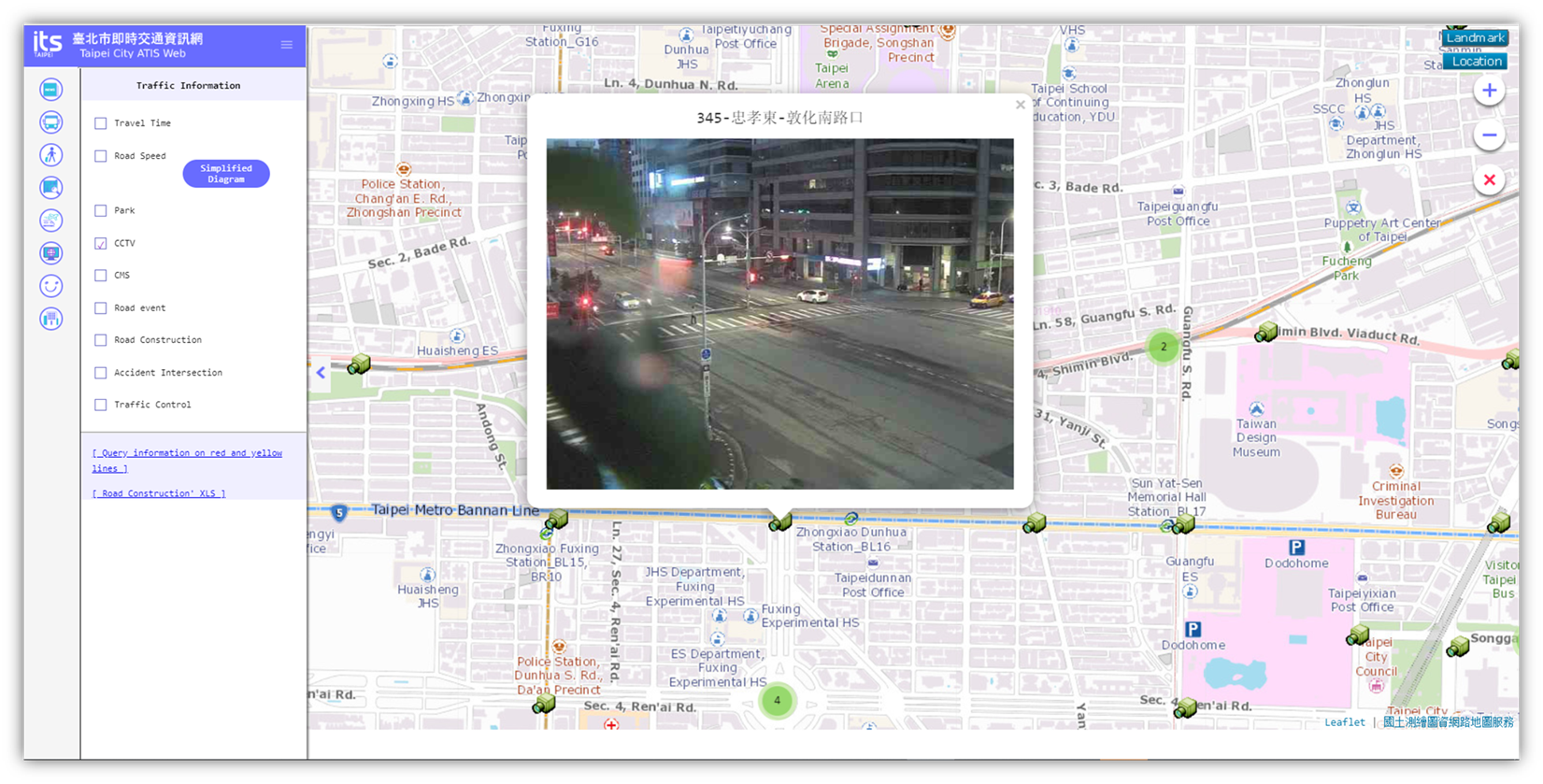
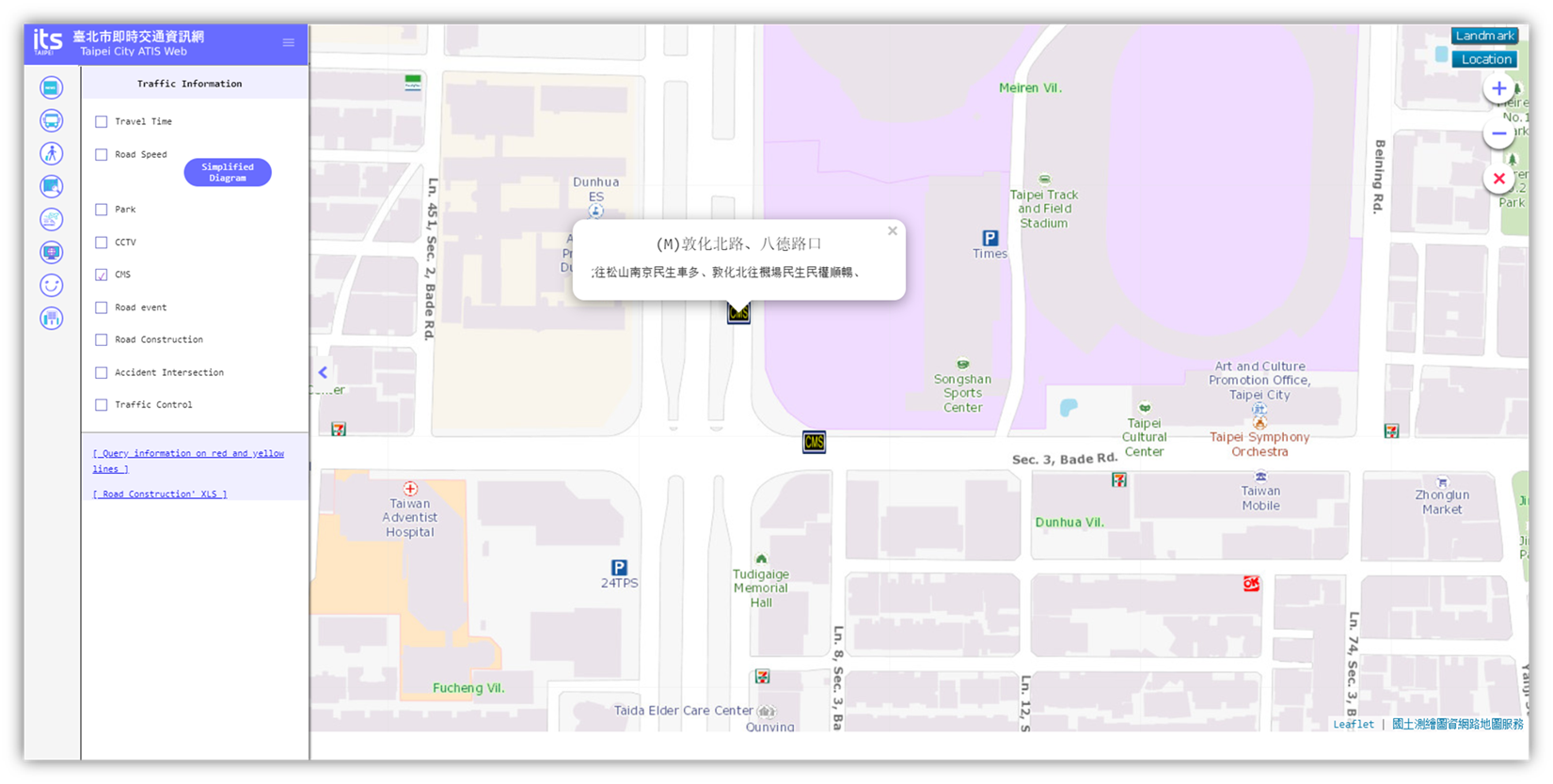
CMS provides
the map based search for the current CMS (Changeable Message Sign) messages. The
detailed CMS message information will be displayed when clicking on the CMS
marker from the map.
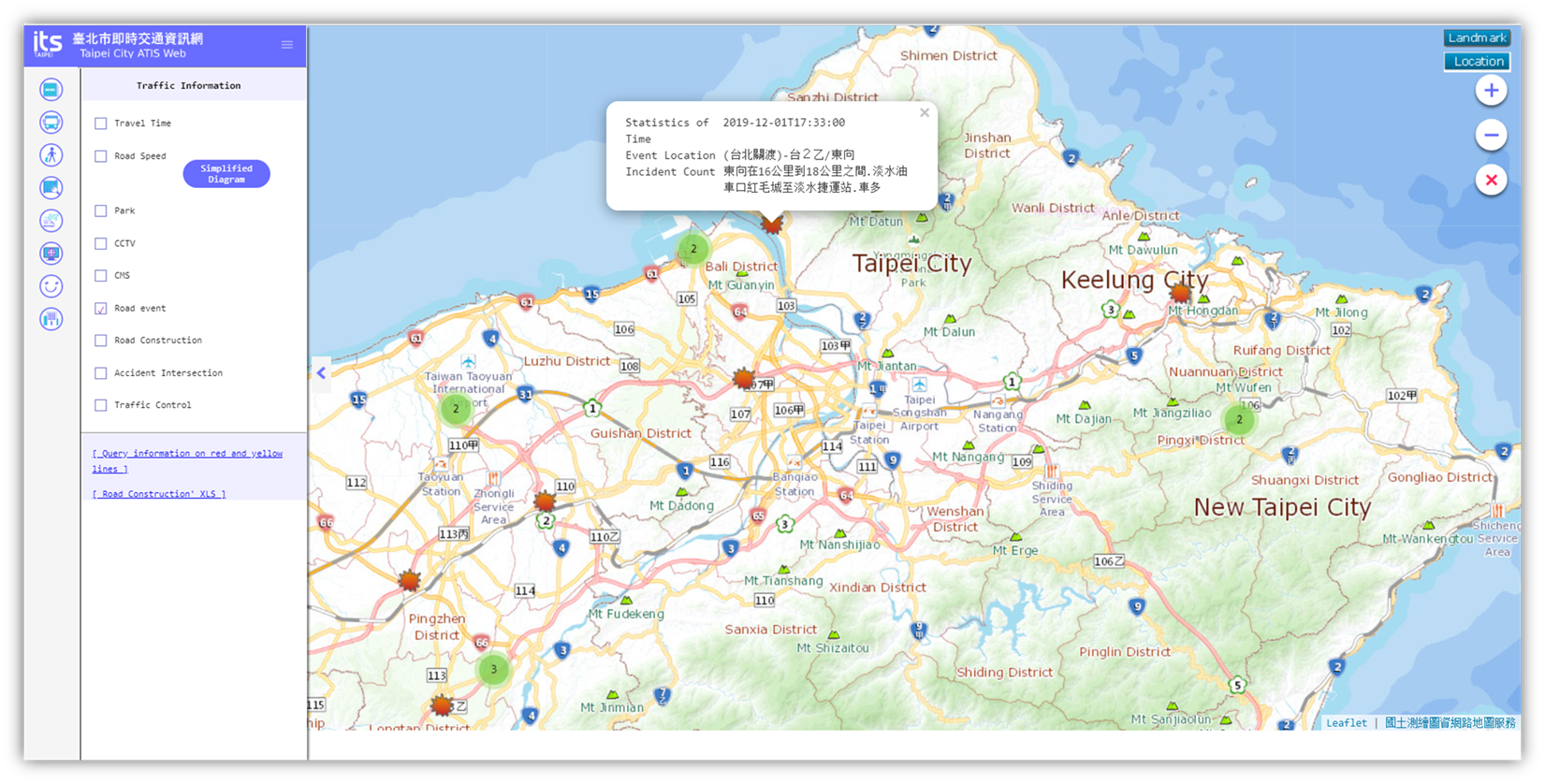
Road
Event provides
the map based search for the current traffic event information. The detailed
information of the road event will be displayed when clicking on the Road Event
marker from the map.
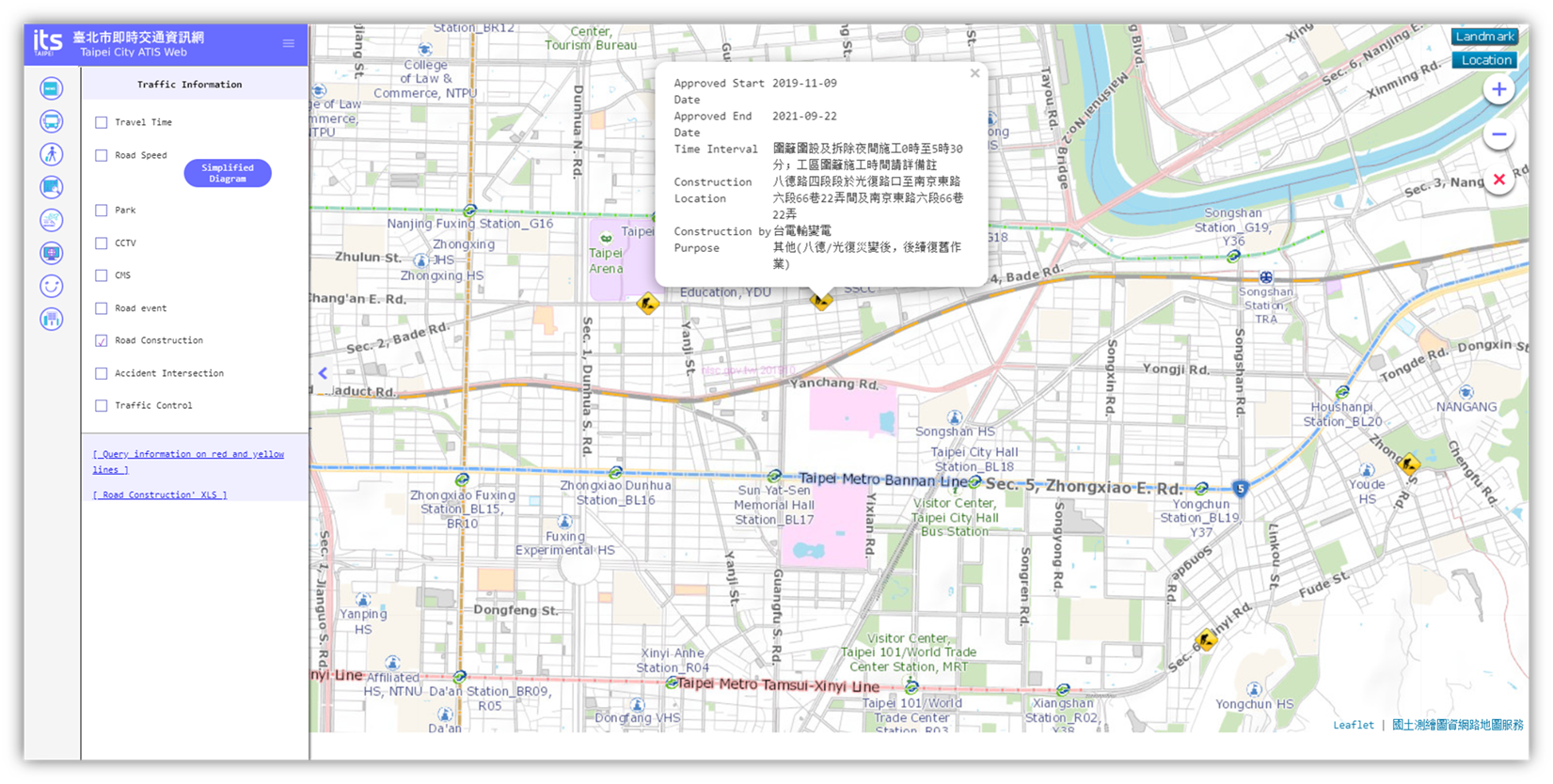
Road
Construction
provides map based search for the announced road
construction information. The detailed information of the road construction
will be displayed when clicking on the Road Construction marker from the map.
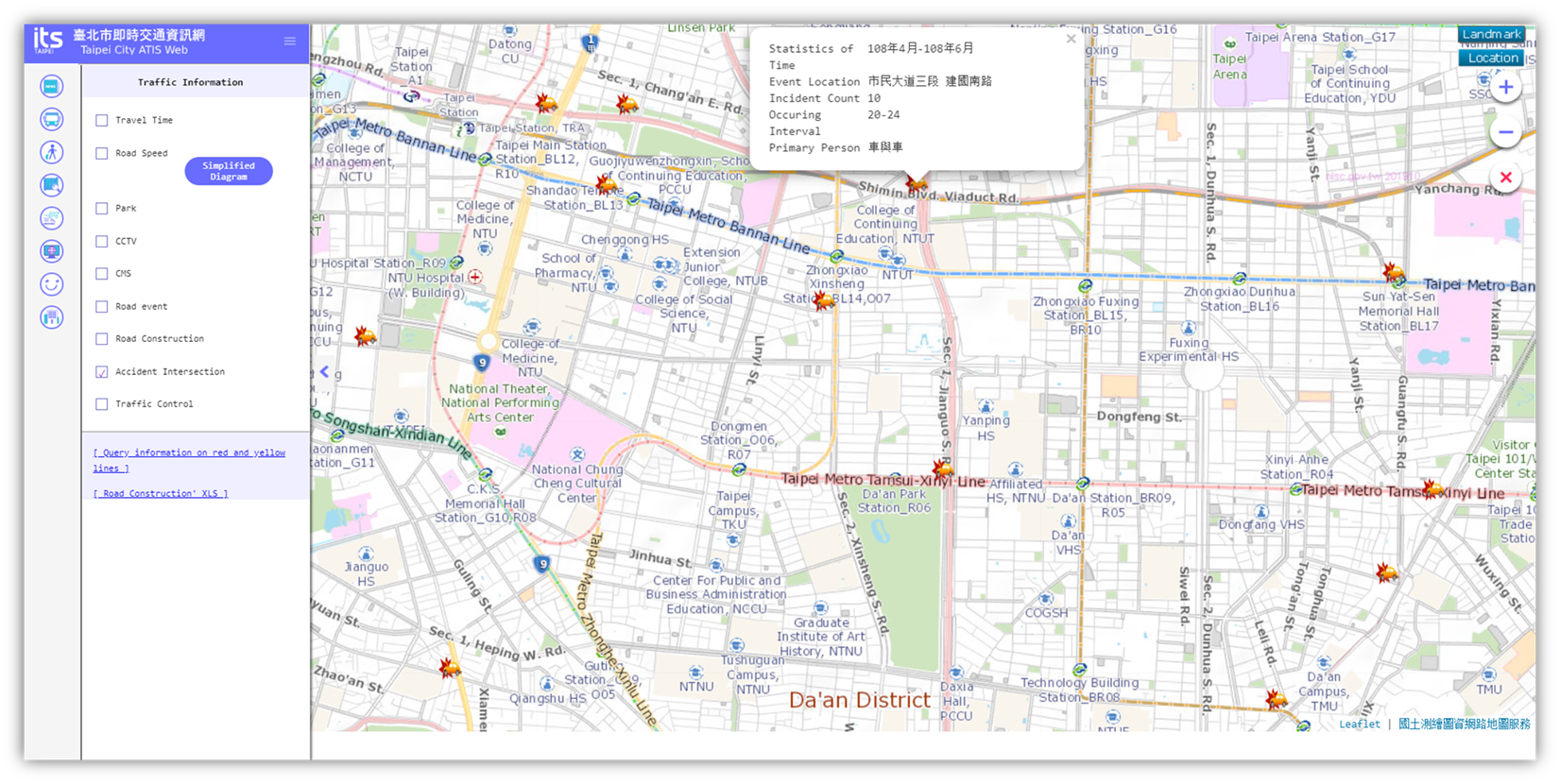
Accident
Intersection
provides map based searching for the information of the
accident-prone intersection. The detailed information of the accident-prone
intersection will be displayed when clicking on the Accident Intersection
marker from the map.
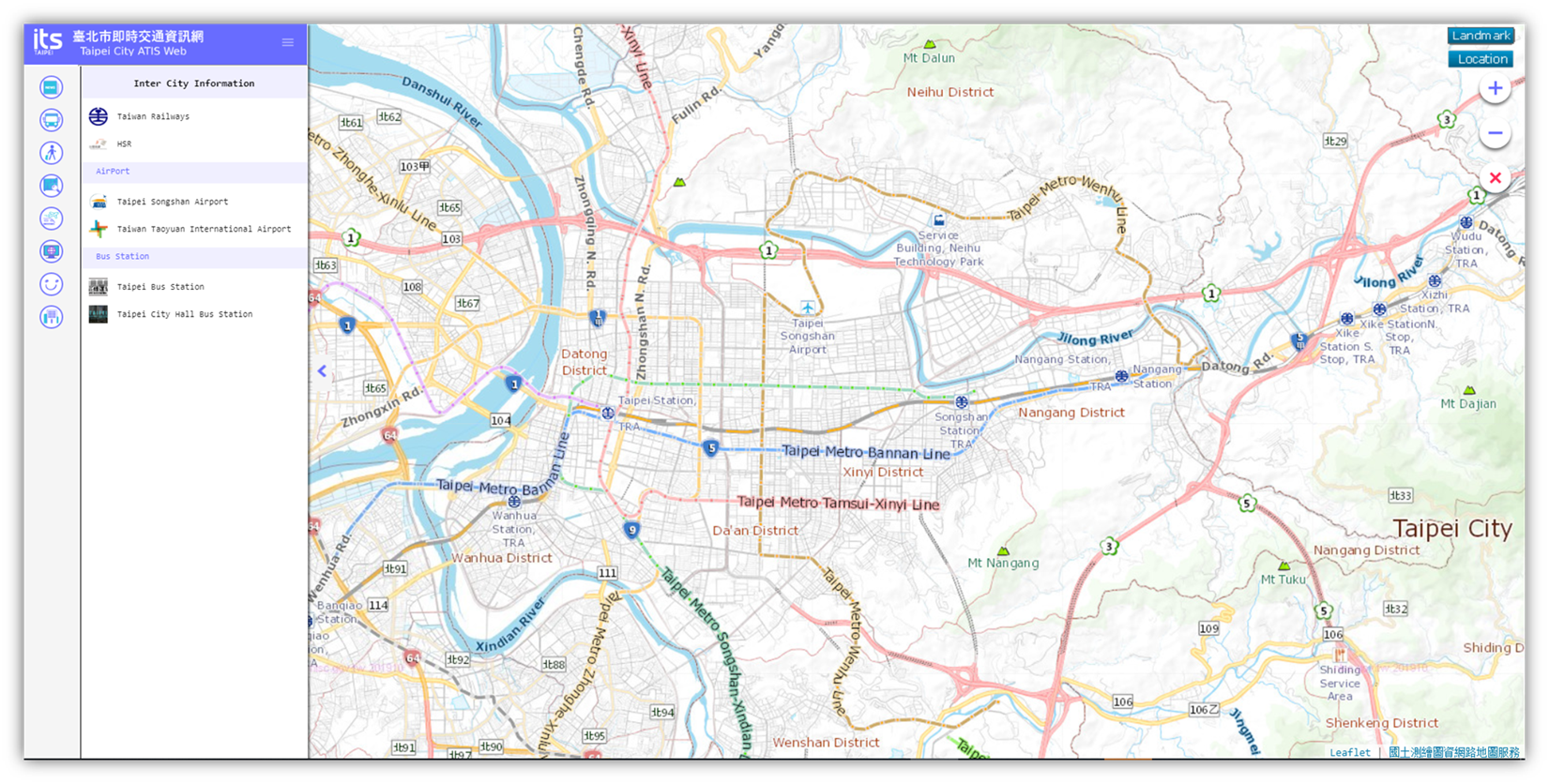
6. Inter
City
Inter
City provides
the inter-city traveling related web sites information for searching
conveniently.
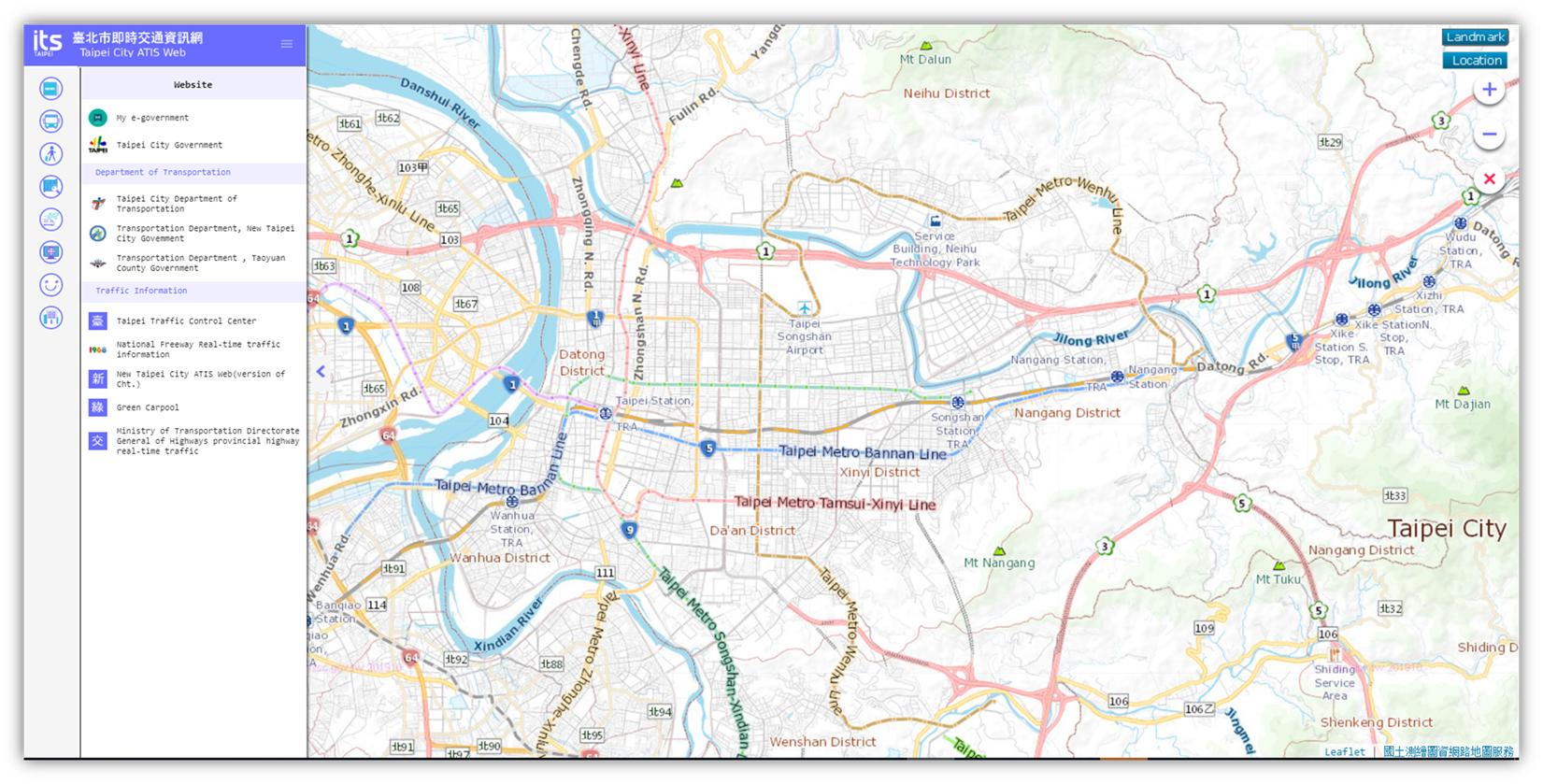
7. WebSite
WebSite provides
the traffic related web sites information for searching conveniently.
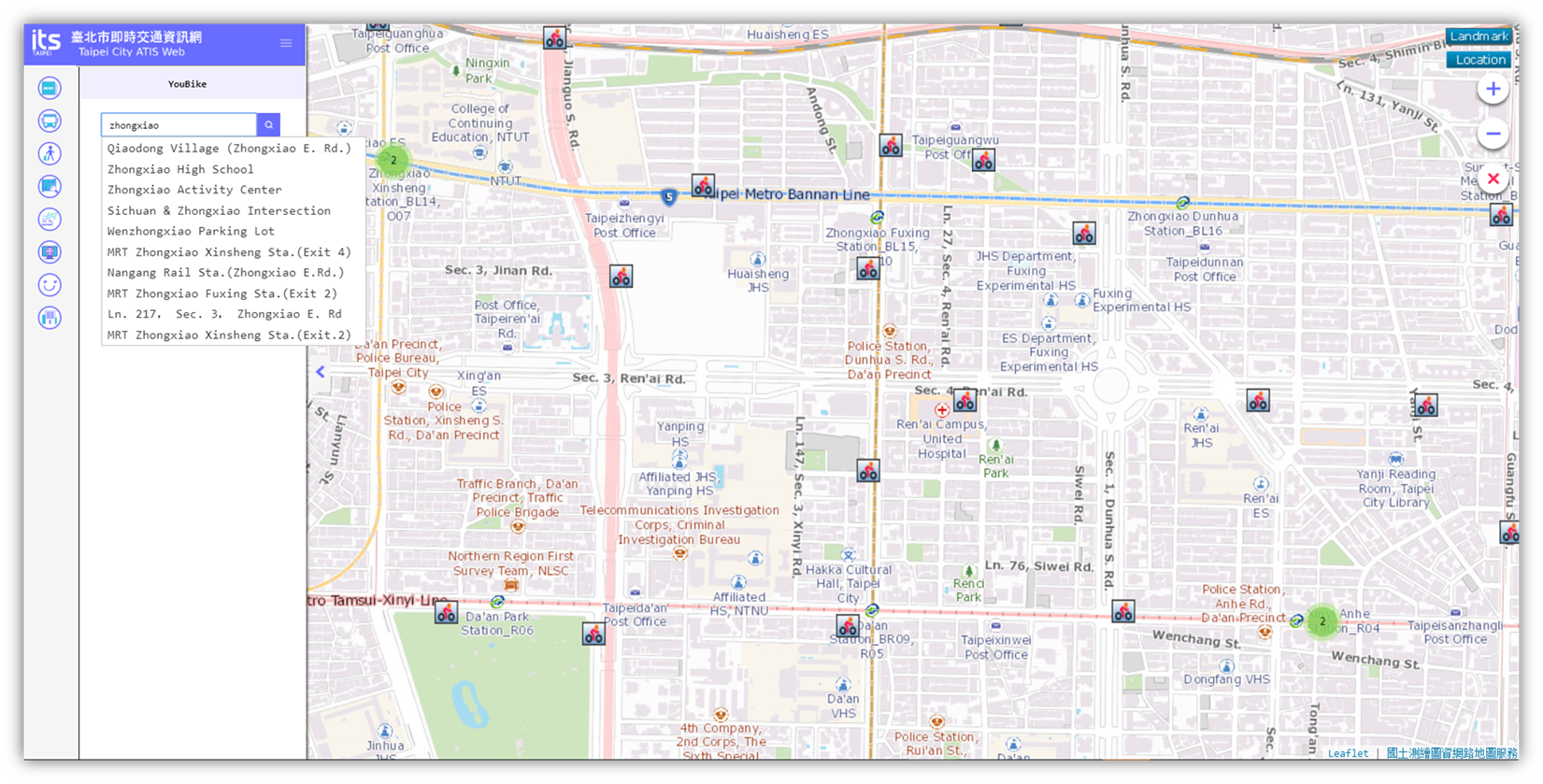
8. YouBike
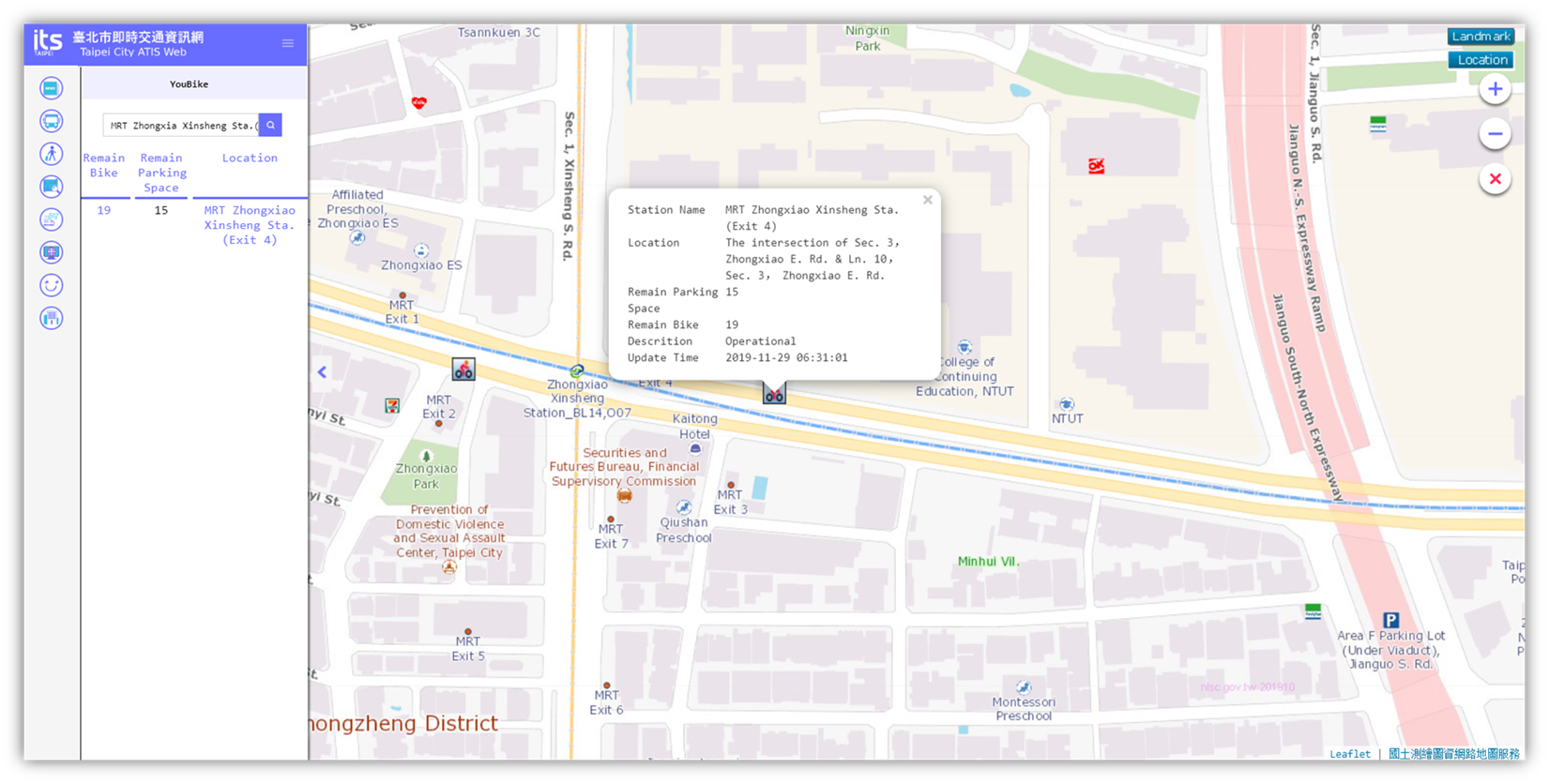
YouBike provides
the keyword searching for the YouBike rental stations and the real-time
information of the available bikes, and spaces for returning bikes. You can
also click the marker from the map for detailed information.
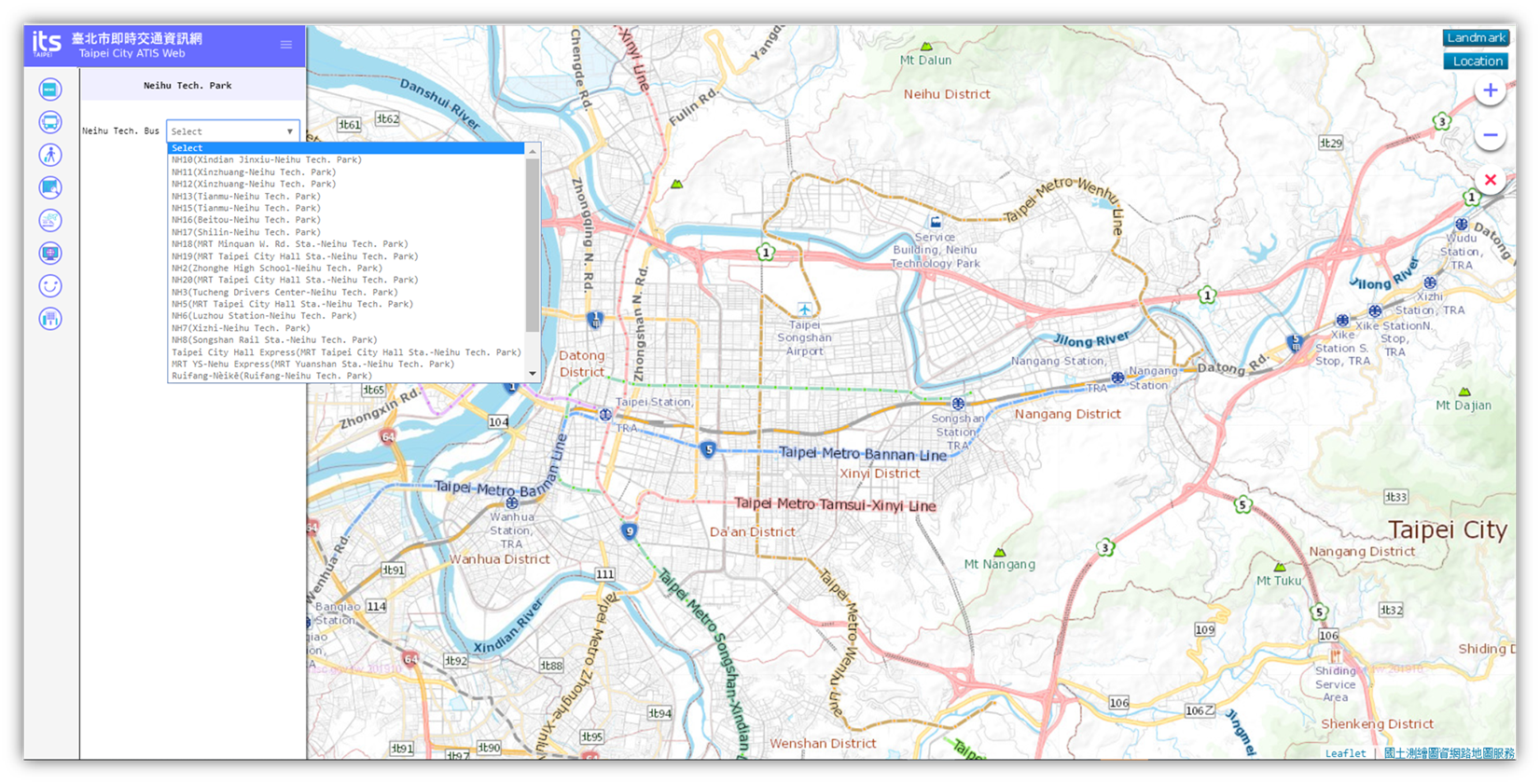
9. Neihu
Tech. Park
Neihu
Tech. Park provides
the search for the dynamic bus information of Neihu Tech. Park by selecting the
bus route from the drop-down list items.